

Built from real experience working with tree surgeons across the UK.
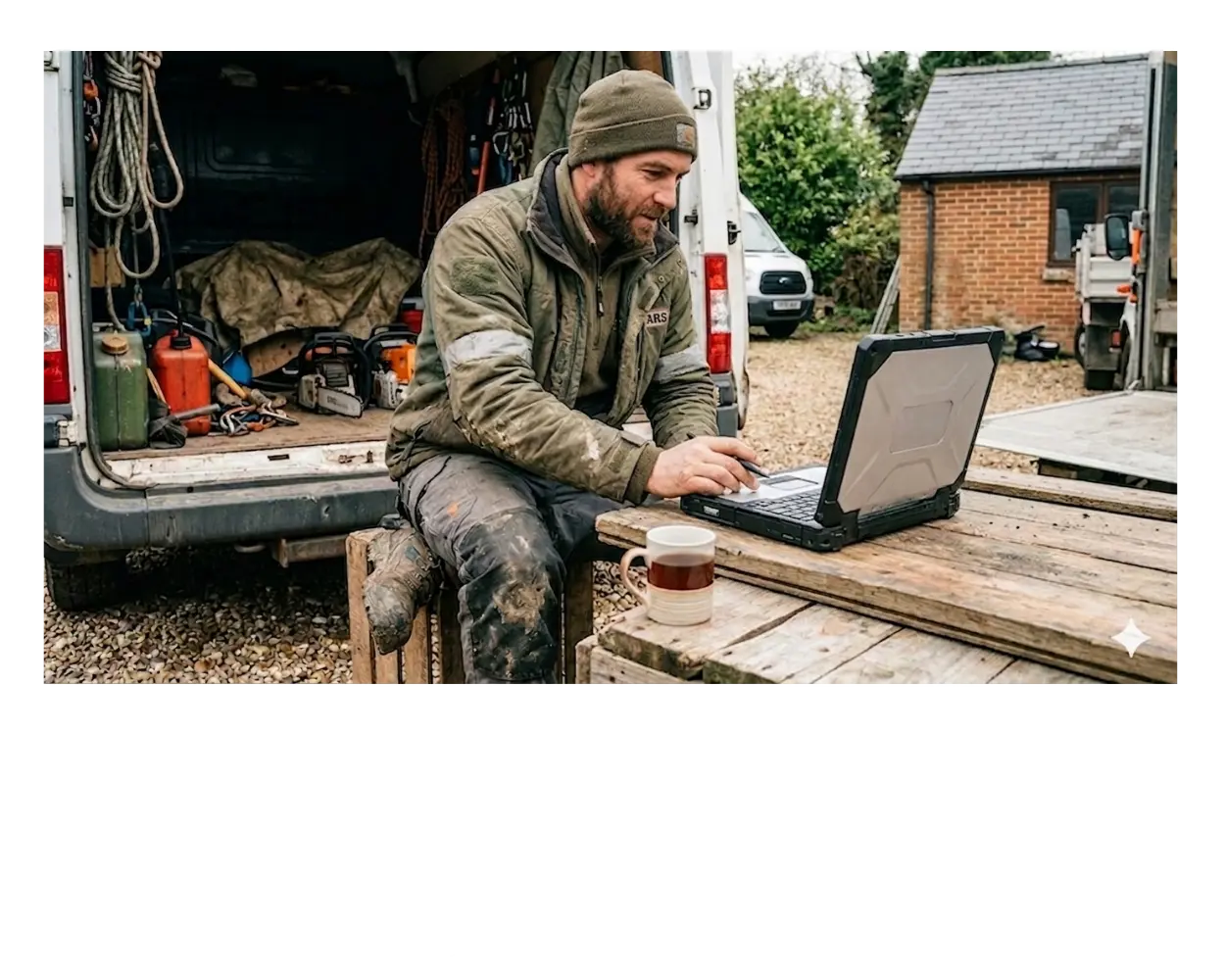
Why Most Tree Surgeon Websites Lose Good Jobs Every Day
Everything is crammed onto one Services page. Visitors can’t see if you handle their job, in their area, at the standard they need, so they leave.
Forms are buried, phone numbers are hard to find, and there’s no obvious next step. Visitors give up before they enquire.
Reviews, photos and past jobs are missing or scattered. Even a great crew looks the same as a cheap one without them.
Thin pages, repeated wording and a messy structure mean Google doesn’t know what you do or where you work, so it doesn’t show your site to the people looking for you.
Your Complete Guide to Building a Tree Surgeon Website That Works
1. Know What Pages Your Website Actually Needs
2. Write the right words on each page
The words on your pages are how Google decides what your website is about and who to show it to. Get this right and you start appearing in front of people actively searching for a tree surgeon in your area. Get it wrong and your site sits invisible while a competitor picks up the work.
It starts with knowing what phrase you’re targeting on each page.
Where to put your keyword on each page
It's the exact phrase someone types into Google when they need a tree surgeon. For example: "tree surgeon Glasgow" or "tree removal near me." Every page on your website should be built around one main phrase like this. Use it in the right places and Google starts to understand exactly what you do and where you work.
That said, don't overdo it. Using a keyword too many times on one page looks unnatural and Google penalises it. Once in the title, once in the first paragraph, once in a subheading and a handful of times through the rest of the page is plenty.
- In the page title — this is what appears as the blue link in Google search results. It’s the single most important place your keyword can appear. Example: “Tree Surgeon Glasgow | Free Quotes | McLaren Tree Surgery”
- In the first paragraph — use it naturally in the first two or three sentences of your page. Don’t force it. It should read as if you’d have written it anyway.
- In a subheading — at least one subheading on the page should include the keyword or a close variation. Example: “Tree Removal Services Across Glasgow and the Surrounding Areas”
- Naturally through the page — a few more times in the body copy, wherever it fits. If it sounds odd read aloud, rewrite it.
- Supporting phrases — alongside your main keyword, use related phrases naturally. A page about tree removal in Glasgow might also mention “tree felling,” “tree cutting,” “garden clearance” and the specific neighbourhoods you cover. These help Google build a fuller picture of what the page is about.
- In your image file names and alt text — when you upload a photo, name the file something like tree-surgeon-glasgow-job.jpg rather than IMG_4782.jpg.
Alt text is a short description you add to every image on your website. It tells Google what the image shows — because Google can't see photos the way a person can. For example, instead of leaving the field blank, you'd write: "tree surgeon removing oak tree in Glasgow back garden."
Keep it accurate and natural. Include your keyword where it fits, but don't force it into every image description.
One page, one main keyword. Don’t try to make a single page rank for everything you do everywhere you work. Give each service and each key area its own dedicated page, each built around its own phrase. If you want to understand how a smart website ties all of this together, our Smart Websites guide covers the full picture.
3. Make it easy for people to get in touch
Someone landing on your website has usually already decided they need a tree surgeon. Your job at that point is simple: don’t make it hard for them to contact you.
Most tree surgeon websites have at least one of these problems: the phone number is small and hard to find, the enquiry form asks for too much information, or there’s no clear next step after someone reads a page. Each one costs you jobs.
Path A — Direct from search to service page
Someone searches “tree removal near me,” lands on your tree removal page, sees a short form and a prominent phone number, and makes contact.
This is the most common path for someone ready to book. Your service pages do the heavy lifting. Make sure every one of them has a form and a phone number above the fold.
Path B — Homepage first, then service
Someone searches “tree surgeon [town],” lands on your homepage, sees your services listed, clicks through to the right one, and makes contact.
This path works when your homepage is clear and your navigation is simple. If a visitor has to hunt for where to click, most of them won’t bother.
For Mobile Phones
On mobile, make it even simpler.
Most people looking for a tree surgeon are standing in their garden looking at a problem. They want to call or message, not fill in a long form. Give them:
- A large, tappable phone number at the top of every page
- A short enquiry form — name, phone number, what’s the job, where
- A note on when you’ll get back to them — same day if you can manage it
4. Get found on Google
Set up your Google Business Profile
This is the box that appears on the right side of Google when someone searches for your business, and the map results that show up for local searches. It’s free. Fill in every field: business name, address or service area, phone number, opening hours, photos, services. Ask every happy customer to leave a review here. It’s the single most effective thing you can do for local search.
Build a page for each area you cover
If you work across multiple towns, give each one its own page. A page titled “Tree Surgeon Stirling” with a few paragraphs about the jobs you do in Stirling will outrank a generic “areas we cover” list almost every time.
Get your business listed in directories
Checkatrade, Rated People, Trustatrader, Yell, your local chamber of commerce website. Consistent name, address and phone number across all of them tells Google your business is real and established.
Ask for reviews regularly
After every job. Most customers will leave one if you ask directly and make it easy. A Google review link sent by text takes seconds to set up and works better than any follow-up email.
Make sure your site loads fast on a phone
Google ranks mobile-friendly, fast-loading sites higher. Use a tool like Google PageSpeed Insights (free) to check yours. If it scores below 50 on mobile, it’s worth fixing.
5. Don't Lose the Enquiry Once It Comes In
- Respond the same day — even a quick text saying “thanks for getting in touch, I’ll call you back this evening” keeps the enquiry warm. Silence loses it.
- Have a way to capture missed calls — whether that’s a voicemail that tells people what to expect, a text that fires automatically when a call goes unanswered, or someone who picks up calls on your behalf. Every missed call is a missed job.
- Follow up on quotes you’ve sent — most tree surgeons send a quote and wait. A single follow-up message a few days later closes a meaningful number of jobs that would otherwise go cold.
- Keep asking for reviews — after every completed job. A steady flow of new Google reviews does more for your search rankings and your chances of winning the next job than almost anything else.
A good website gets people to the point of enquiry. What happens next — how fast you respond, how you follow up, how you handle the back-and-forth — is what actually fills your diary. If you want a website built to handle all of this automatically, our Smart Website for tree surgeons is exactly that.
What a Good Tree Surgeon Website Looks Like in Practice
- 8-10 pages: homepage, 3-4 service pages, areas, reviews, contact
- One clear phone number and quote form on every page
- Gallery focused on tidy gardens and domestic jobs
- Separate sections for domestic and commercial services
- One page per key town or region, each linking to shared service pages
- Case studies covering larger jobs — highlighting equipment, scale and compliance
- Emergency call-out as the lead service — phone number above the fold on every page
- Dedicated emergency page with response time promise and service radius
- Supporting content on storm damage, safety and insurance
Questions Tree Surgeons Ask About Their Website
Most of the time, you can fix what you’ve got. The structure above works whether you’re rebuilding from scratch or improving a site that already exists. Start with the pages that bring in the most work, usually your homepage and two or three key service pages.
Google takes time. A well-structured page targeting the right keyword can start ranking within a few weeks, but reaching the top results for competitive phrases in busy areas can take three to six months. The work you do now pays off steadily over time.
Templates and directories can get you started, but they limit what you can do with keywords, page structure and proof. If you’re serious about getting consistent work from Google, a proper website you control will outperform a rented profile over time.
Not at first. Get your core pages right, then consider a FAQ section for common questions about cost, timescales and permissions. Blog posts come after the foundations are solid — they support the main pages, they don’t replace them.
Start from today’s jobs. Ask every happy customer for a Google review — send them the link directly after the job. Take a before/after photo on every site. Add them as you go. A site that gets a little stronger every month compounds over time.
If you’re doing it yourself using a website builder, expect to spend 20 to 40 hours getting the core pages live and written properly. That’s a weekend and a few evenings. If you’re paying a developer, a proper tree surgeon website with the right pages and structure typically costs between £1,500 and £5,000 depending on the size of the build and who you use. The cheaper end usually means a template with your details dropped in. The more expensive end means a developer who understands your trade, your local area and what Google actually needs to rank you. Either way, the content in this guide gives you a solid brief to hand over — so you’re not paying someone to guess what your site needs.
A good tree surgeon website isn’t complicated. The right pages, the right words, a clear way to get in touch and a solid follow-up process. Get those four things right and your website starts working for you — quietly generating enquiries while you get on with the actual work.