

How Our Digital Risk Assessment Works
The short answer
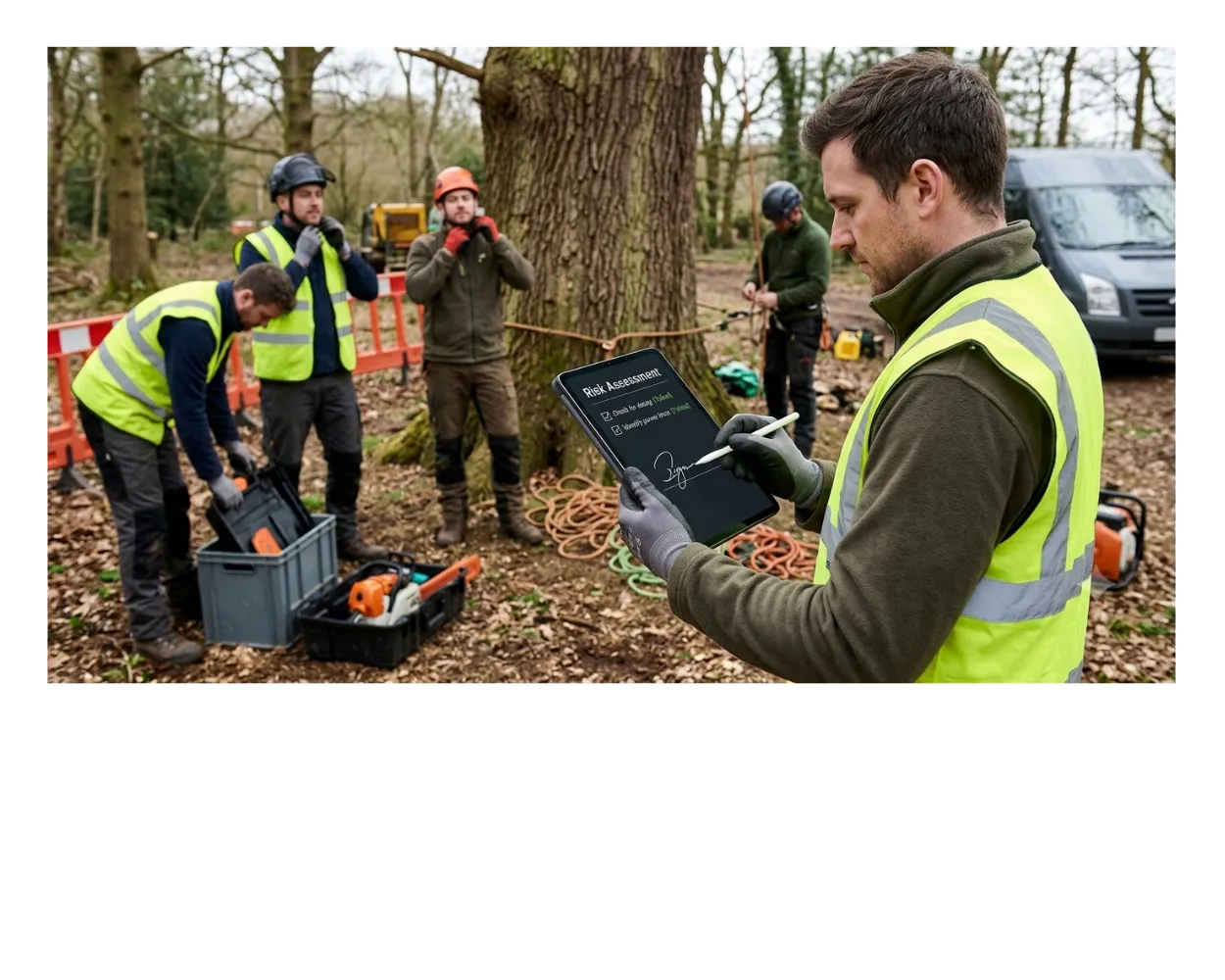
Every job gets its own digital risk assessment, built around the actual trees involved on site. Each crew member signs it on a phone or tablet before work starts, and the full job description doesn't release until every signature is in. There's no clipboard, no chasing paperwork, and no way to start a job without the assessment done first.
Risks get logged against the actual trees on the job, not a one-size-fits-all form.
Work physically can't start until every crew signature is in.
Every assessment is stored automatically and timestamped, ready to pull up any time.


 Trusted by growing tree surgery businesses
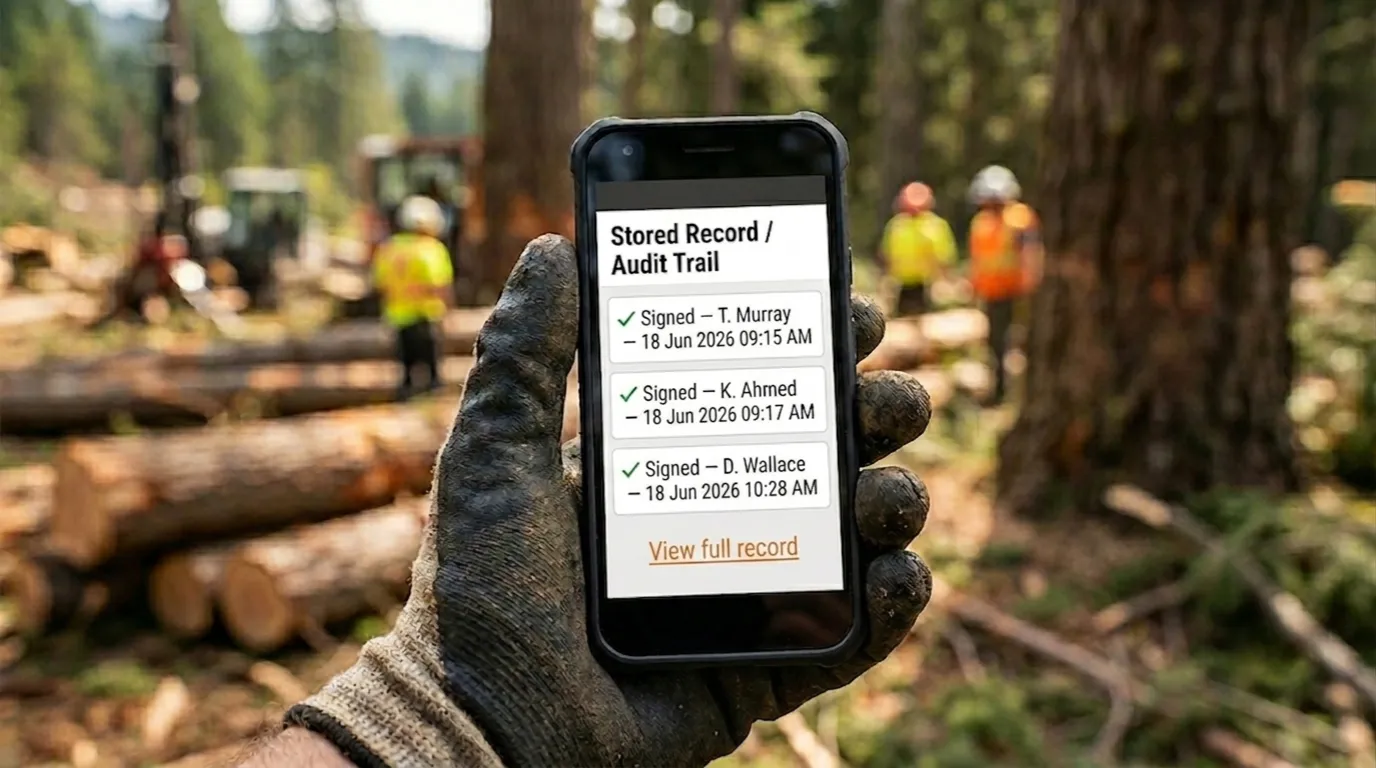
An audit trail is a clear record of who signed what, and when. For a risk assessment, that means you can see exactly which crew member signed off on which job, and the timestamp it happened, with nothing relying on memory or a signature on paper that can go missing.
Why this beats a clipboard
Paper risk assessments rely on someone filling in a generic form, remembering to bring it, and not losing it before the office sees it. A digital risk assessment is built around the actual job, signed on site by every crew member, and stored the moment it's done. Nothing depends on a clipboard surviving the day.
The old way
A paper form lives in a clipboard or a van, filled in once and rarely tailored to the actual trees on site, with no way to prove who saw it or when.
The digital way
A fresh assessment for every job, signed by every crew member on their own device, with a timestamped record the moment work is cleared to start.
The 6-step workflow
Here's exactly what happens from the moment a job is created to the moment the record is filed away. Each step below shows what runs automatically and what needs a person physically on site. The hard stop sits in the middle: nothing moves forward until every signature is in.
Create the job automatically
Automatic. Client and job details pull straight through from the booking, so nobody retypes a name, address, or job spec into a second system before the digital risk assessment can even start.

Add the per-tree details
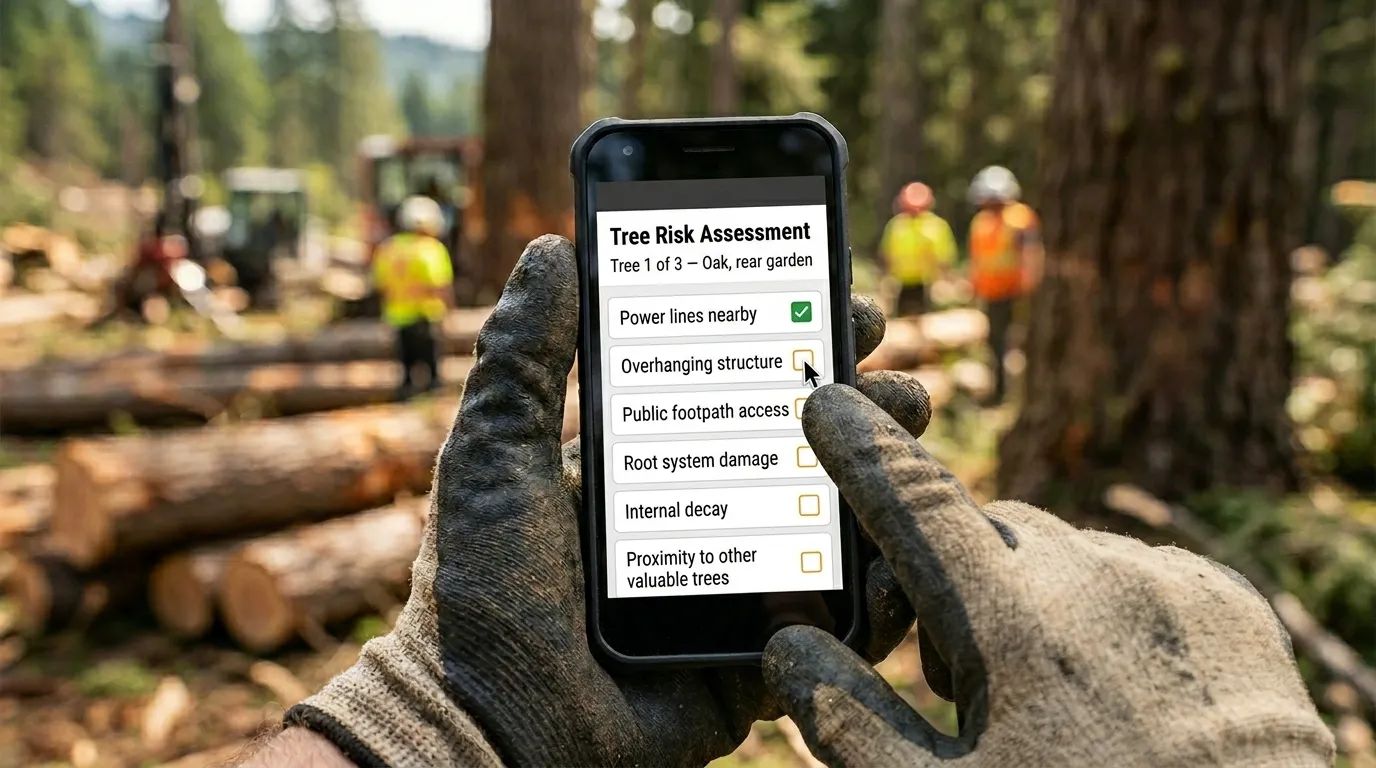
Needs you on site. Each tree on the job gets its own entry, with the actual risks for that specific tree logged against it, not a generic checklist copied from a different job.
Sign it digitally on site
Needs every crew member. Each person on the crew reads the per-tree risks and signs on their phone or tablet before any work begins, so the whole crew has seen and agreed to it, not just the foreman.

A full digital risk assessment takes about 2 minutes to sign on site.
Gate the full job details
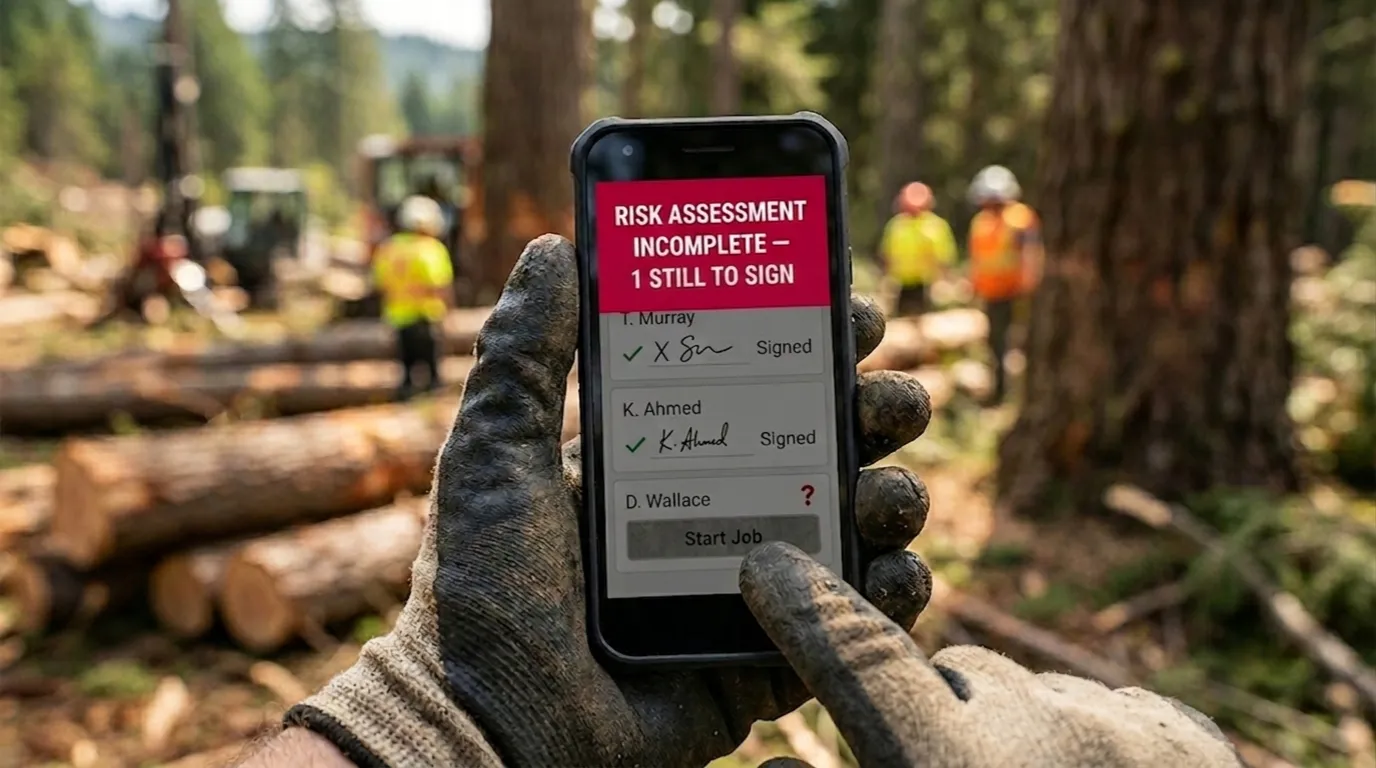
Automatic. The complete job description, the full scope of works, stays hidden from the crew until every signature is in. Once it is, the full detail releases on its own, no one has to unlock it manually.

Stop work without a signature
Automatic, and this is the safety net. The system enforces the stop itself, work physically cannot proceed without a completed and signed assessment, so it never comes down to someone forgetting or skipping a step under pressure.
Store the record automatically
Automatic. The completed assessment is saved and timestamped the moment it's signed, with a clear audit trail you can pull up instantly, no paper to lose and no filing cabinet to search through.
100% digital, no paper, and no lost records.
The hard stop
This is the part that makes it safer than paper: the system itself blocks the job, not a manager remembering to check. If a signature is missing, the full job details simply don't release.
Questions about digital risk assessments
How does a digital risk assessment work for tree surgeons?
What happens if a crew member doesn't sign?
What's an audit trail and why does it matter?
Is this enough to cover our legal requirements?
Related reading
If you're comparing software for this, our roundup of tree surgery CRMs for risk assessments covers the main options side by side. For the legal requirements behind the workflow rather than the workflow itself, see our UK legal requirements guide.
Last reviewed: June 2026
Disclaimer: This is based on our own research. Please speak to a qualified risk assessment professional in your country before making compliance decisions.